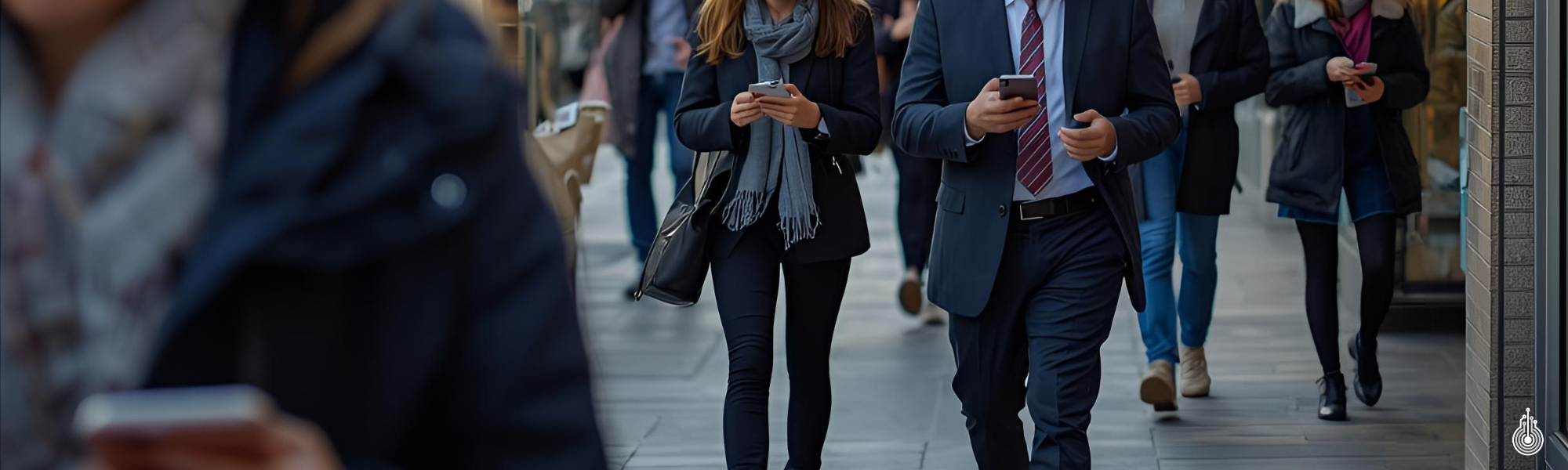
Cybersecurity Best Practices for Professionals: How to Protect Yourself Online

Menu Home Our Services Artificial Intelligence (AI) Automation Solutions Custom IT Solutions Cybersecurity Managed IT Services (MSP) About Us Blog Contact Us Back to Blog Cybersecurity Best Practices for Professionals: How to Protect Yourself Online November 4, 2025 In today’s fast-paced and connected world, professionals rely heavily on digital tools to manage their work, communicate with colleagues and clients, and stay organized. From email and cloud platforms to project management software, technology is at the heart of almost every business activity. However, this convenience also introduces risk. Cybercriminals are no longer focusing solely on large corporations; individual professionals and small business owners are just as attractive to hackers because they often have access to sensitive data, financial information, and proprietary documents. Taking proactive steps to protect your online presence is essential not only for safeguarding your personal accounts but also for maintaining the integrity of your professional reputation and the trust of your clients. Strengthen Your Passwords and Credentials Strong passwords are one of the simplest yet most effective ways to prevent unauthorized access. It is important to use unique passwords for each account and to include a combination of letters, numbers, and symbols. Weak or repeated passwords make it easy for attackers to breach multiple accounts if one is compromised. A password manager can be an invaluable tool in this regard, generating complex credentials and storing them securely so you do not have to remember each one. By investing a few minutes to create strong, unique passwords, you are reducing the likelihood of an incident that could have significant consequences for your work and your clients. Even with strong passwords, accounts can still be vulnerable. This is why enabling multi-factor authentication is crucial. Multi-factor authentication adds an additional verification step before granting access, such as a code sent to your phone or an authentication app. This extra layer of security significantly reduces the risk of unauthorized access because even if a password is stolen, an attacker cannot easily log in without the second factor. Professionals should prioritize enabling multi-factor authentication on all critical accounts, including email, cloud storage, and banking platforms, to ensure that sensitive data remains protected. Recognize and Avoid Phishing Attempts Phishing attacks are among the most common threats that professionals face. Scammers often send messages designed to look like they are coming from colleagues, clients, vendors, or IT departments. These messages create urgency, requesting personal information, login credentials, or financial transactions. Before responding to any unexpected email or message, it is important to pause and critically evaluate the request. Look for inconsistencies, unusual links, or anything that seems suspicious. If you are unsure, confirm the message through another communication channel, such as calling the sender directly or contacting your IT department. By staying alert and cautious, you can avoid falling victim to scams that could compromise your data or your professional reputation. Updating Systems and Safeguarding Data Keeping your software and systems up to date is an essential habit. Many cyberattacks exploit vulnerabilities in outdated operating systems, applications, or antivirus programs. Regularly updating your devices ensures that security patches are installed promptly, closing gaps that attackers might exploit. Automatic updates can help make this process seamless, allowing you to stay protected without constant manual intervention. By prioritizing updates, you are reducing the risk of a breach and maintaining the integrity of your digital environment, which is critical for professionals who rely on technology to perform their daily tasks. Data protection is a critical concern for professionals who handle sensitive information, such as client records, financial statements, contracts, and internal documents. It is important to encrypt sensitive files and store them securely, whether on encrypted drives or in trusted cloud storage platforms. Maintaining good data hygiene by regularly backing up important files, removing outdated information, and securely disposing of old devices further reduces the risk of accidental exposure or theft. Protecting your data demonstrates responsibility and builds trust with clients and colleagues while minimizing potential liabilities for your business. Protecting Your Data on the Go Public Wi-Fi networks are another area of concern. Networks in coffee shops, airports, and hotels are convenient but often unsecure, making it easy for attackers to intercept communications. Professionals should avoid accessing sensitive accounts or confidential files while on these networks. When using public Wi-Fi is unavoidable, a virtual private network encrypts the connection, keeping your data private and secure. In general, mobile networks provide a safer alternative for accessing sensitive information remotely. Being mindful of network security is a small but crucial step in protecting your professional life from unnecessary risk. Finally, staying informed and maintaining awareness of evolving cybersecurity threats is essential. Cybersecurity is not a one-time effort but a continuous process. Professionals should make it a habit to learn about new scams, vulnerabilities, and best practices through reputable sources, industry newsletters, and company training programs. Awareness empowers you to anticipate potential risks, take preventive measures, and respond appropriately when threats arise. Building these habits not only protects your information but also strengthens the overall security of the organizations and clients you serve. Protecting your digital life is a professional responsibility. The information you handle every day, from client records to financial documents, is valuable and must be safeguarded. Proactively implementing cybersecurity measures helps you maintain trust, prevent incidents, and focus on your work with confidence. At 101 IT, we specialize in helping professionals and organizations improve their cybersecurity through practical strategies, advanced tools, and expert guidance. Whether your goal is to secure business systems, personal accounts, or sensitive data, we provide solutions designed to keep you safe and prepared for evolving threats. Visit 101-it.com to learn more about how we can help you protect your digital world and maintain peace of mind in your professional life. Enjoyed this article? Share it with your network! Get in Touch with Us Ready to elevate your IT? Whether you’re in the Greater Toronto Area (GTA), Ontario, or anywhere across Canada, we’re here to help your business grow and thrive. Let’s start … Read more
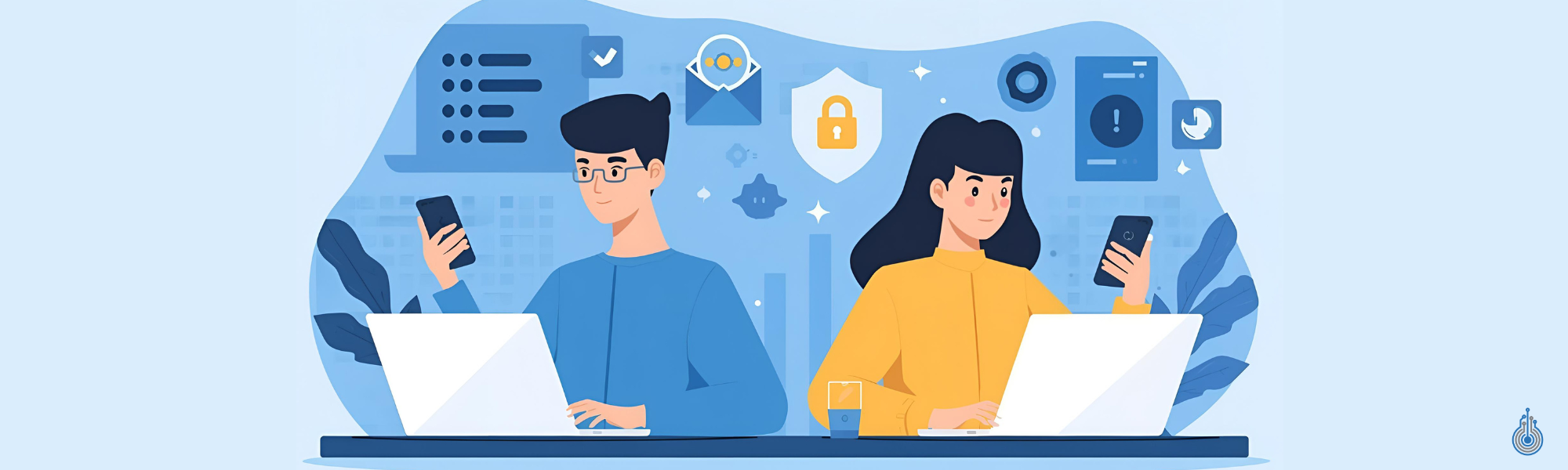

Don’t Get Hacked: Personal Cyber Security Advice for Gen Z & Young Millennial Users

Menu Home Our Services Artificial Intelligence (AI) Automation Solutions Custom IT Solutions Cybersecurity Managed IT Services (MSP) About Us Blog Contact Us Back to Blog Don’t Get Hacked: Personal Cyber Security Advice for Gen Z & Young Millennial Users November 3, 2025 The digital world is your playground connecting, creating, and discovering cool stuff every day. But here’s the truth: cybercriminals know teens and young adults are prime targets. Let’s keep your identity, devices, and personal info safe, so you can enjoy online life without stress. Power Up Your Passwords • Strong passwords are your first line of defense mix letters, numbers, and symbols (12+ characters). • No recycling! Unique passwords for every account = safer vibes. • Password managers are your BFF for keeping track without the stress. Think Before You Share • Ask yourself: would I be okay with strangers seeing this? • Keep personal stuff like addresses, birthdays, banking info, and school details private. Stay Updated Updates aren’t just annoying pop-ups they fix security holes. Keep your devices and apps fresh. Double Up Security with Multi-Factor Authentication (MFA) MFA is like adding a second lock to your digital doors turn it on for socials, email, banking, and important accounts. Shield Your Gear • Reputable antivirus software = peace of mind (even on your phone). • Don’t ignore security warnings or suspicious pop-ups. Spot the Scams • Phishing is everywhere: weird DMs, fake emails, sketchy links, or “too-good-to-be-true” contests. • Pause before clicking, sharing, or replying verify first. Scams to Watch For Imposters pretending to be friends, influencers, or family Giveaways or money requests that feel off “Online crushes” asking for cash or info before you’ve even met IRL Why Traditional Email Gateways Are No Longer Enough Double-check strange requests or links by contacting friends directly. Verify before sending money or gift cards online. Report scammers and block suspicious contacts/messages. Stay Smart, Stay Safe, and Protect Your Digital World Your digital life matters so protect it, own it, and don’t let anyone play games with it. If you’re ever unsure, chat with a trusted adult or check official sources like the Canadian Anti-Fraud Centre. And for extra support, 101 IT is here to help! Our team provides personalized cybersecurity tips, tools, and services to keep your devices, accounts, and personal info safe. Whether you need advice, risk assessments, or managed IT solutions, we’ve got your back. Enjoyed this article? Share it with your network! Get in Touch with Us Ready to elevate your IT? Whether you’re in the Greater Toronto Area (GTA), Ontario, or anywhere across Canada, we’re here to help your business grow and thrive. Let’s start the conversation today! Contact Us Today Copyright © | Powered by

Cyber Security Tips for Seniors: An Essential Guide

Menu Home Our Services Artificial Intelligence (AI) Automation Solutions Custom IT Solutions Cybersecurity Managed IT Services (MSP) About Us Blog Contact Us Back to Blog Cyber Security Tips for Seniors: An Essential Guide October 31, 2025 As technology becomes a larger part of everyday life, seniors are increasingly targeted by cyber criminals who seek personal and financial information for malicious purposes. Protecting yourself online is crucial, and there are several key strategies seniors can adopt to stay safe and secure. Often, these threats appear innocuous at first — a link that looks legitimate, an email that seems to come from a trusted colleague, or a seemingly harmless attachment. Within hours, the consequences can escalate, from stolen sensitive data to fraudulent wire transfers. The financial impact is clear, but the reputational damage is often even more severe. Rebuilding trust with clients, partners, and employees can take months, if not years. At 101 IT, we help businesses stay ahead of these threats by implementing Check Point’s Harmony Email & Collaboration (HEC) — a solution designed to protect your email and collaboration platforms before attackers can exploit them. Create Unique, Strong Passphrases and Passwords • Use passphrases that are at least four words and 15 characters long. • Complex passwords should include at least 12 characters, mixing upper and lower case letters, numbers, and symbols. • Make sure every account has a different password. Limit Sharing of Sensitive Personal Information Online • Be mindful of the personal data you share online. • Never provide your full birthdate, PIN, or other personal or financial details unless absolutely necessary. Install Software Updates and Patches Always keep your computer, tablet, and smartphone updated by installing software updates as soon as they’re available. Enable Multi-Factor Authentication (MFA) MFA adds an extra layer of protection by requiring two or more methods to verify your identity, making it much harder for criminals to access your accounts. Protect Your Devices Install reputable anti-virus and anti-malware programs on all your devices, and make sure they are updated regularly. Recognize and Avoid Phishing Attempts • Phishing—the fraudulent practice of sending emails, texts (smishing), or phone calls to trick you into giving up personal information—is a common threat. • Don’t open links or attachments from anyone you’re unsure about. • Delete messages that seem suspicious or promise prizes from contests you never entered. • Phishing messages often try to pressure you into responding quickly. Always take a moment to breathe and assess. Common Frauds and Scams Targeting Seniors Phishing Scams: Scammers contact you by phone, text, email, or social media, trying to trick you into clicking malicious links, downloading malware, or sharing sensitive information. Grandparent (Emergency) Scams: Criminals phone pretending to be your grandchild in distress. Phone or Voicemail Scams: Scammers pose as government or law enforcement officials. Romance Scams: Online love interests ask for money without meeting in person. Tips to Protect Yourself: Always verify the sender by calling known, legitimate numbers (e.g., the number on your bank card). Be skeptical of unsolicited links, attachments, or requests for sensitive information. Avoid sending personal details by email or text. Never offer credit card or financial information over the phone or Internet unless you initiate the contact. Never wire money under uncertain conditions. Hang up on scam callers and delete suspicious voicemails; block their numbers if possible. Report scam calls to the Canadian Anti-Fraud Centre. For romance scams, ask new online acquaintances for recent photos or video calls, and be wary of requests for money, especially if they claim to be overseas. Resources for Help and Education: Elder Abuse Prevention Ontario: 416-916-6728 / Toll-free 1-833-916-6728 / www.eapon.ca Canadian Anti-Fraud Centre: www.antifraudcentre-centreantifraude.ca Government of Canada Cyber Security: www.cyber.gc.ca Seniors can significantly reduce their risk of cybercrime by following these expert tips and practicing vigilance online. If you’re ever uncertain, contact official resources for guidance or book an education session through Elder Abuse Prevention Ontario for more in-depth advice and ongoing support. At 101 IT, we believe that cybersecurity awareness should be accessible to everyone, especially seniors, who are often most at risk from digital scams and identity theft. Our team is dedicated to helping individuals and organizations strengthen their online safety through education, proactive protection, and personalized cybersecurity solutions. Whether you’re looking to secure your personal devices or improve the digital safety of your community programs, 101 IT is here to guide you every step of the way with clarity, compassion, and expertise. Enjoyed this article? Share it with your network! Get in Touch with Us Ready to elevate your IT? Whether you’re in the Greater Toronto Area (GTA), Ontario, or anywhere across Canada, we’re here to help your business grow and thrive. Let’s start the conversation today! Contact Us Today Copyright © | Powered by